Things you can do with n8n and Mallary
- create and schedule social media posts
- upload image and video files to Mallary
- use platform-specific captions with
platform_options - list grouped posts and publishing jobs
- get platform post IDs and post URLs
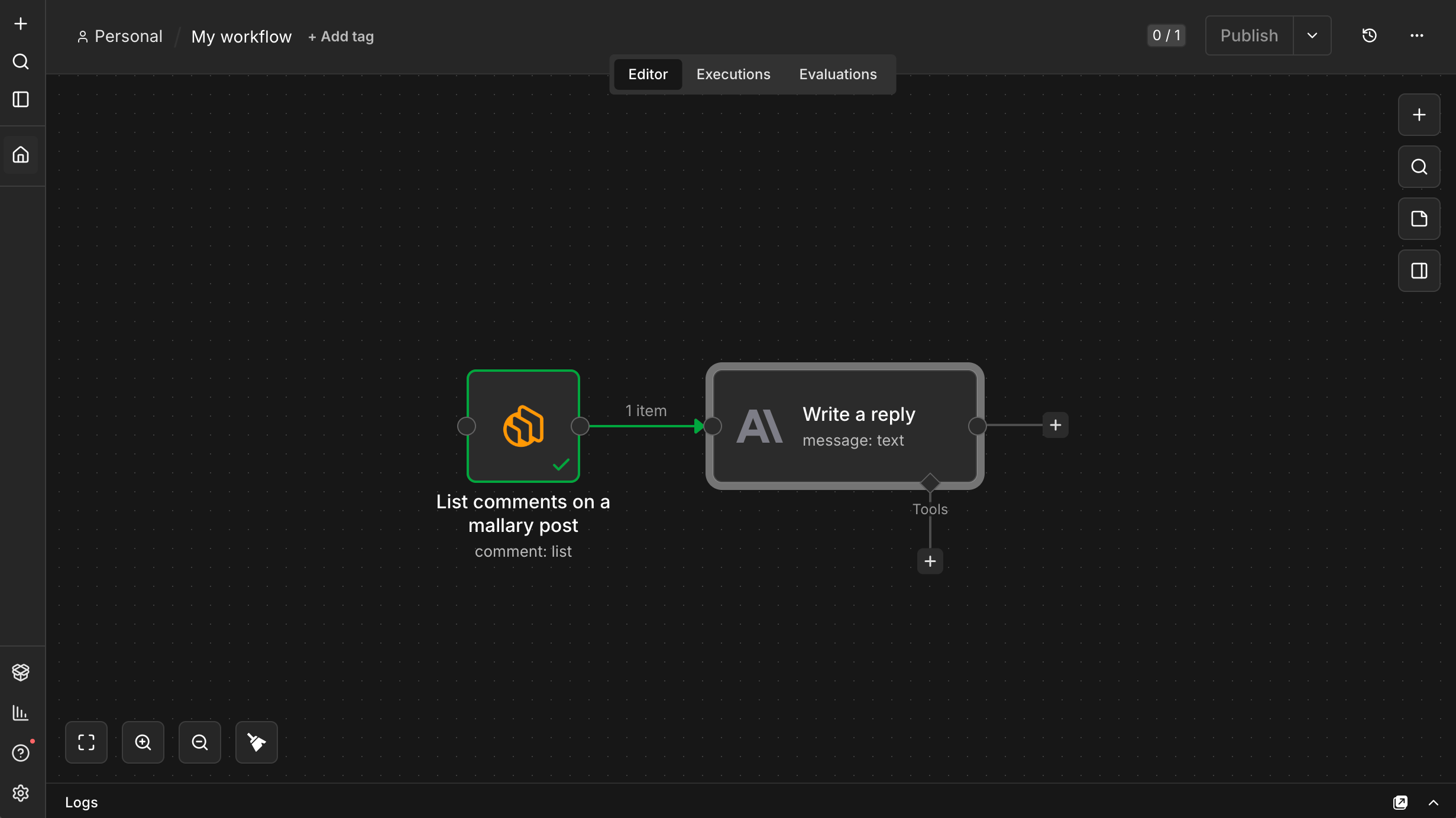
- list your comments on published posts
- post comment replies using your workflow
- pull analytics into reports
- list profiles and your connected social platforms
- manage Mallary webhooks
- start workflows from Mallary webhook events
Install
Self-hosted n8n users can install it from npm: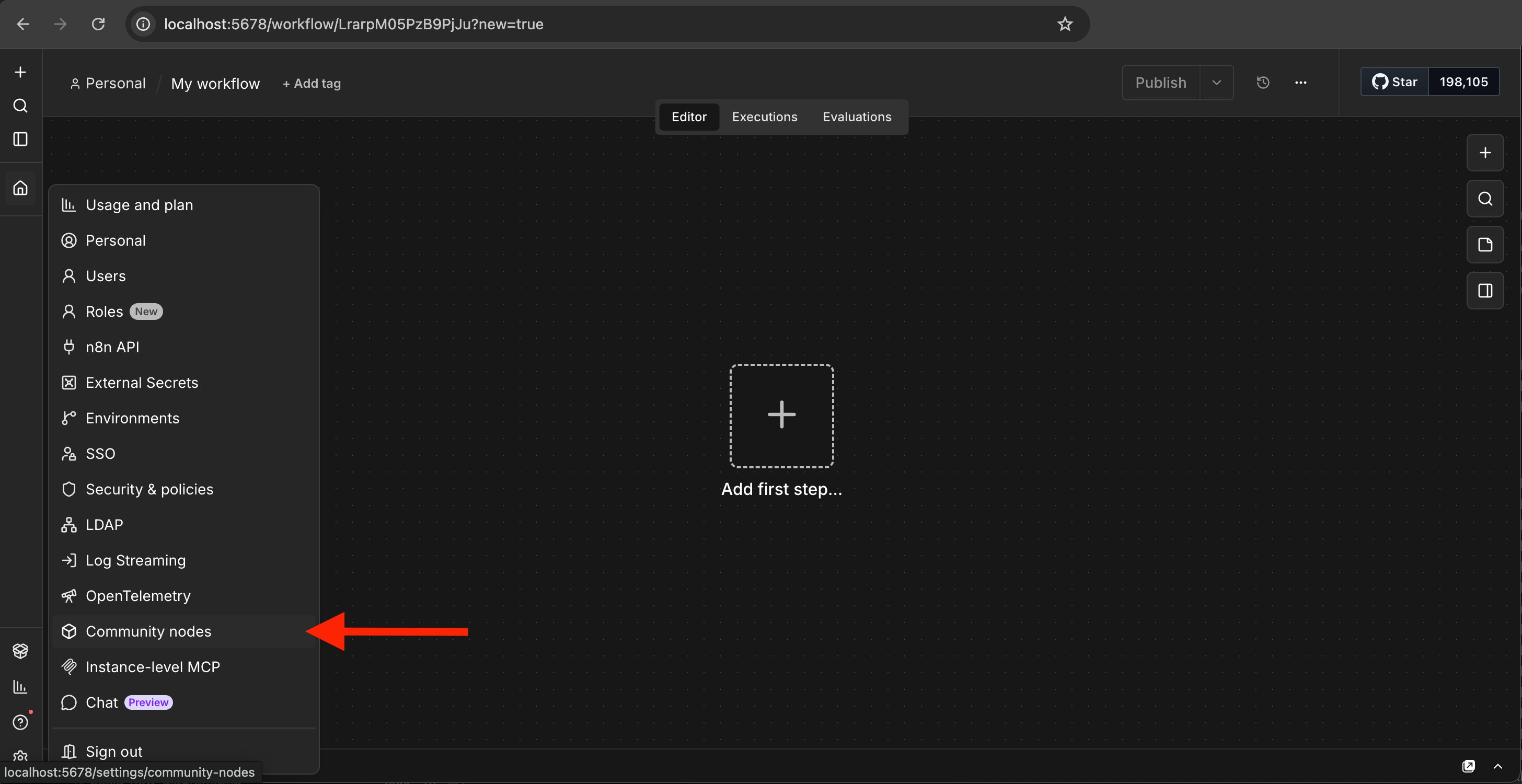
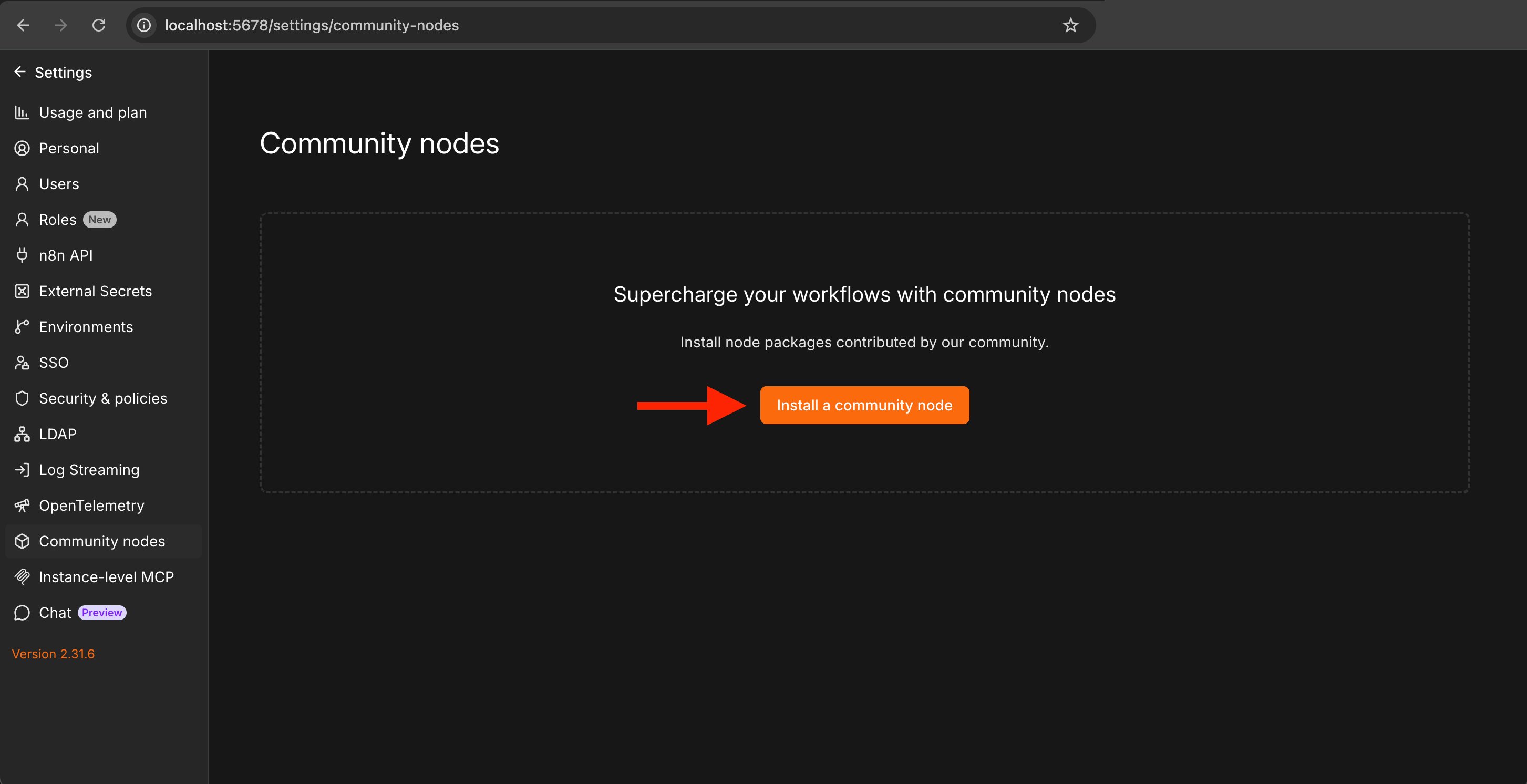
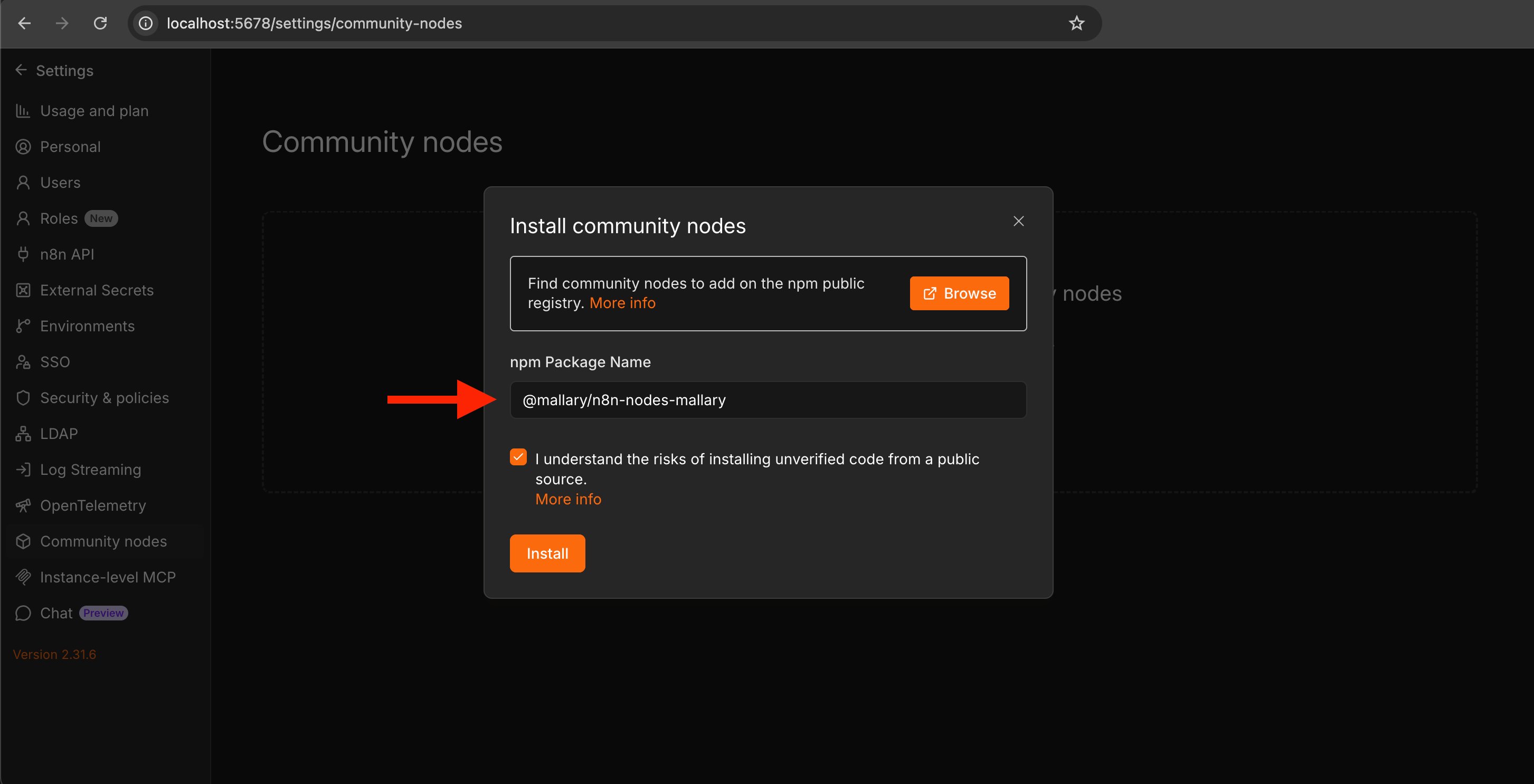
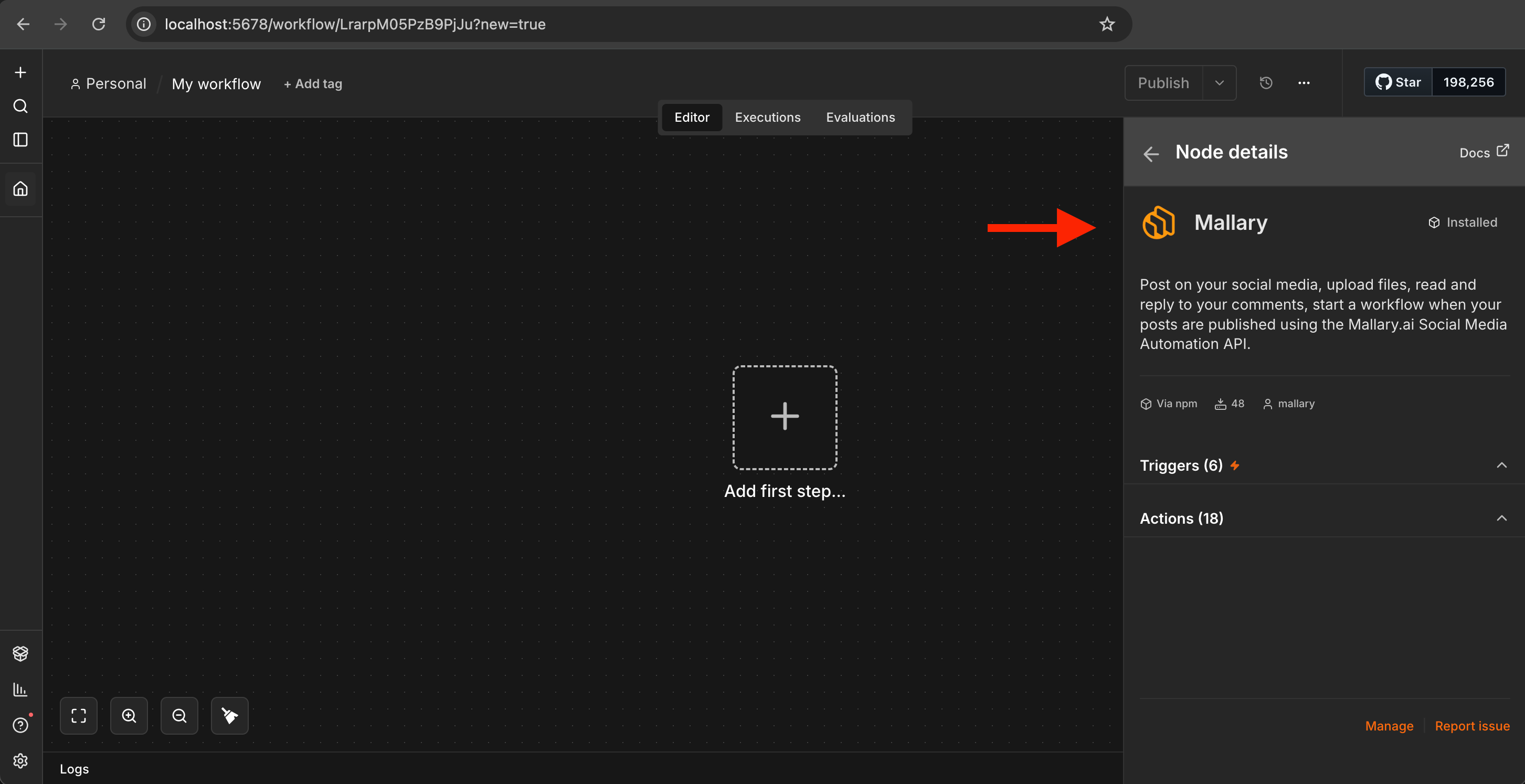
Credentials
Get your API key from the Mallary dashboard. Then add it as a Mallary API credential. Keep your API key private. It can publish posts, reply to comments, read account data, and manage webhooks. Store it only in n8n credentials.Node Types:
Mallary node
Use the Mallary action node when a workflow must perform an action in Mallary. Common workflows include:- publish one post to many platforms
- upload a video and schedule it across YouTube, TikTok, Instagram, and LinkedIn
- send new comments to Slack or a CRM
- draft a reply with an AI step, then post that exact reply through Mallary
- build a weekly social media analytics report
Mallary Trigger
Use the Mallary Trigger node when a Mallary event must start an n8n workflow. Supported events:post.scheduledpost.publishedpost.failedpost.partialauto_reply.posted*
Platform options
The node includes common fields for platform-specific messages. It also supports advancedplatform_options JSON for fields such as:
- Instagram post type
- TikTok direct post options
- YouTube title and visibility
- Pinterest board ID
- Reddit subreddit
- platform-specific captions
Safe use
- Do not use production profiles for test posts unless you want public posts.
- Do not upload private or sensitive files unless Mallary must host them.
- Do not print or log your Mallary API key.
- Review workflows that delete posts, disconnect platforms, or update settings.
- Use test accounts before turning on scheduled or automatic workflows.
Links
- npm package: https://www.npmjs.com/package/@mallary/n8n-nodes-mallary
- GitHub repo: https://github.com/mallarylabs/n8n-nodes-mallary